Give Every AI Agent a Kill Switch
The next useful AI upgrade for a real estate team is not another chatbot, prompt library, or dashboard. It is a control system.
As of May 1, 2026, the AI market is moving from experimentation into day-to-day work. Sales teams are using AI for prospecting, lead scoring, forecasting, content, and research. Service teams are under pressure to deploy AI quickly. Marketing platforms are adding answer-engine optimization, prospecting agents, deal-progression assistants, and customer agents. Real estate professionals are already using AI-generated content while clients continue to respond positively to useful technology in the transaction.
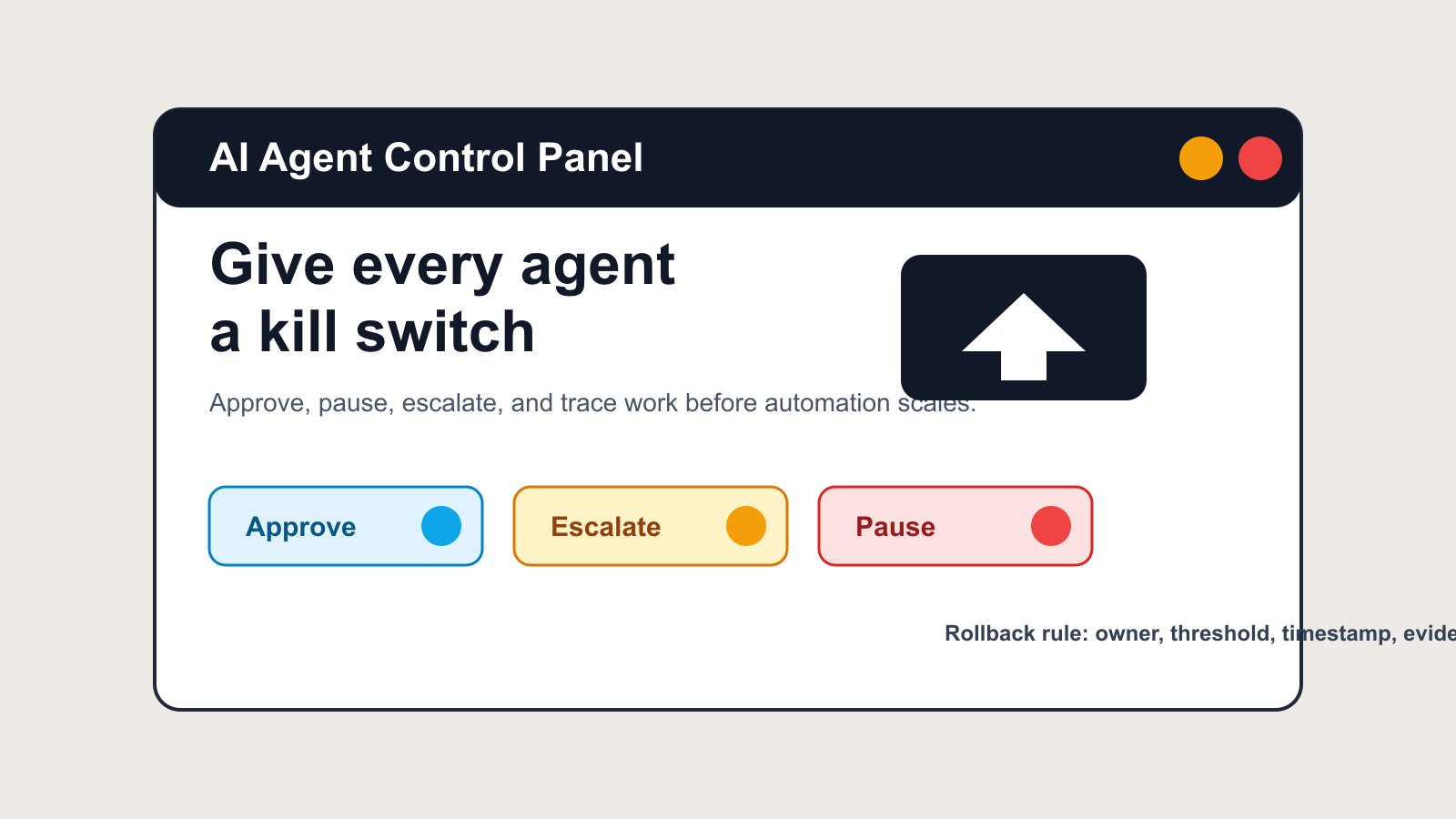
That adoption is good. It is also where small teams create avoidable risk. When an AI agent drafts a buyer follow-up, updates a CRM stage, responds to a seller inquiry, or recommends the next action on an old lead, the business needs a way to approve, pause, reverse, and investigate the work. Without that, automation becomes a black box that looks efficient until it touches the wrong client, sends the wrong promise, or hides the fact that a workflow is underperforming.
A kill switch is not a panic button for dramatic failures. It is a normal operating control. It defines who can pause an AI workflow, what threshold triggers review, what happens to work already in progress, and where the evidence is logged. Real estate teams should build that layer before they scale agents into lead follow-up, service, transaction coordination, listing marketing, and recruiting.
Why this matters now
Grant Thornton's 2026 AI Impact Survey found that 78% of business executives lacked strong confidence that they could pass an independent AI governance audit within 90 days. The survey, conducted between February 23 and March 18, 2026, included 950 senior leaders across 10 industries, including a construction and real estate subgroup. The practical translation is simple: many organizations are deploying AI faster than they can explain who owns the outcome.
That is not only an enterprise problem. A five-person real estate team can create the same gap with a CRM workflow, an AI email assistant, a website chatbot, and a few connected automations. The smaller team may have less bureaucracy, but it also has fewer people watching for drift. A bad prompt, stale CRM field, broken integration, or overly aggressive follow-up rule can spread quickly.
Gartner's January 2026 customer-service prediction adds another reason to design controls early: by 2028, regulatory changes related to AI are expected to increase assisted service volume by 30% as customers exercise the right to reach a human. Gartner also expects generative AI cost per resolution to exceed $3 by 2030, which weakens the assumption that full automation is always the cheapest path. Teams that build escalation paths now will be better prepared for both customer preference and future regulatory pressure.
HubSpot's April 2026 product update points in the same direction from the platform side. Its newer AI agent controls include granular guidelines, channel-specific settings, reply recommendations for human review, working hours, multi-brand support, and percentage rollouts. Those are not decorative product settings. They are clues about how AI operations are maturing: the winning implementation is not "turn it on everywhere." It is controlled rollout, measured behavior, and human review where risk is higher.
Salesforce's 2026 State of Sales release reinforces the data layer underneath those controls. The company reported mainstream sales AI usage, but it also noted that 51% of sales leaders with AI say disconnected systems slow AI initiatives and that 74% of sales professionals are focusing on data cleansing. If the CRM is fragmented, the agent can still act quickly. It just acts quickly with weaker context.
For real estate, that combination is especially sensitive. NAR's 2025 Technology Survey reported that 46% of agents use AI-generated content and that 82% say clients respond positively to technology in the buying and selling process. Clients are not rejecting technology. They are rejecting bad experiences. The control layer is how a team keeps AI useful without letting automation outrun judgment.
What a practical kill switch includes
A real kill switch has five parts.
First, define the owner. Every AI workflow needs a named human owner, not just a software vendor or an admin account. If the listing-description generator produces a fair housing concern, who stops it? If a lead nurture agent starts sending duplicate texts, who pauses it? If a transaction assistant misclassifies a contingency deadline, who reviews the log? Ownership should be written into the workflow before activation.
Second, define the pause conditions. The conditions should be specific enough that a coordinator, ISA, or team lead can act without a meeting. Examples include a complaint from a client, more than two duplicate messages in a day, a CRM confidence score below a threshold, a missing consent field, a failed webhook, a spike in unsubscribe rate, or any recommendation that changes price, legal terms, financing, inspection strategy, or offer language without human approval.
Third, preserve work in progress. Pausing an agent should not delete evidence. It should stop new actions, freeze pending drafts, preserve logs, and route open items to a human queue. A real estate team still needs to call the lead, respond to the seller, or update the transaction file. The goal is graceful degradation: when AI is paused, the business keeps operating with manual coverage.
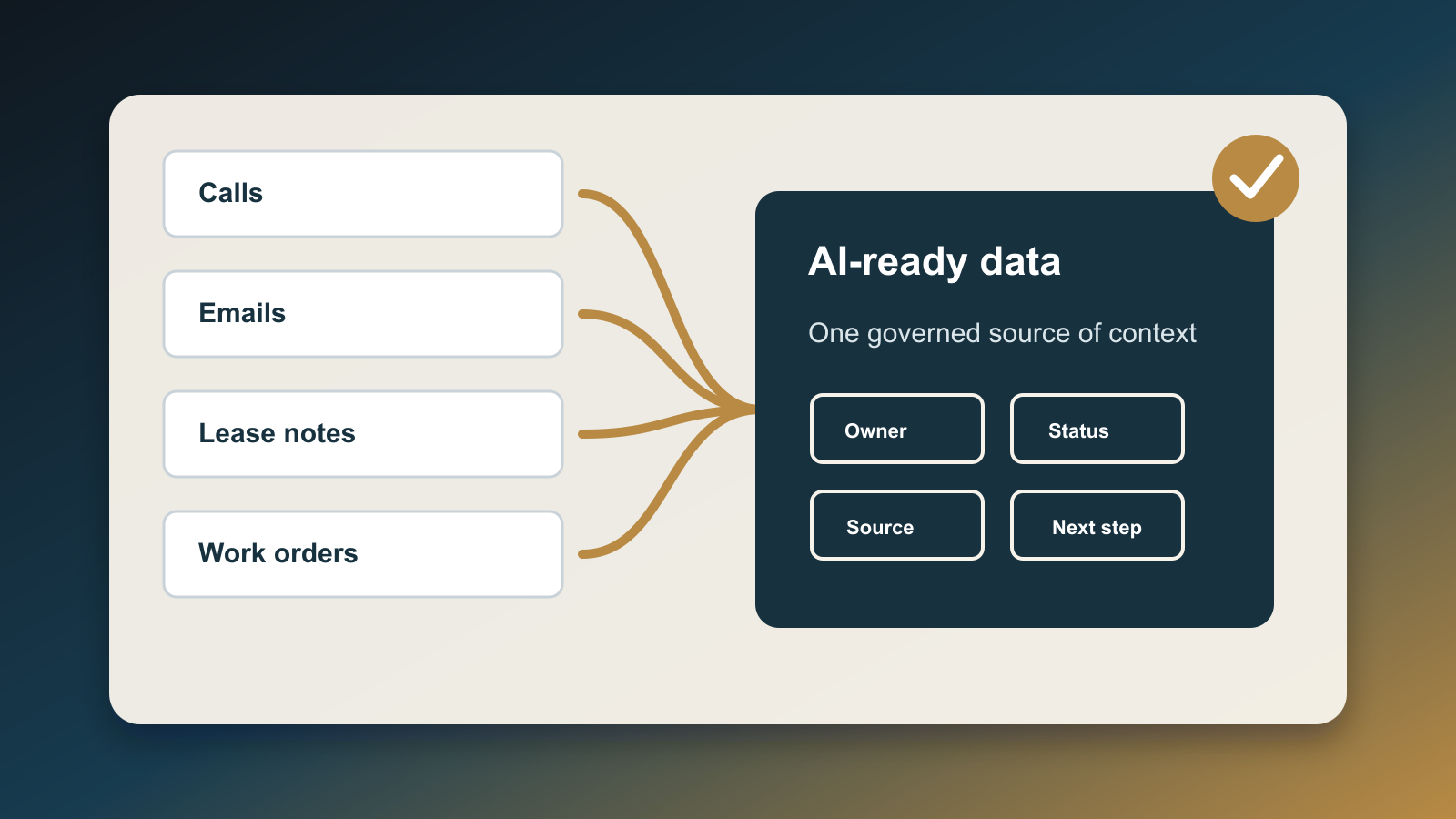
Fourth, log the reason. The log does not need to be complex. A simple record can include timestamp, workflow name, client or deal ID, trigger, owner, immediate action, and resolution. The key is consistency. If the same workflow keeps getting paused for stale CRM data, the issue is not the AI model. It is the data contract feeding the model.
Fifth, require a restart checklist. Restarting should be harder than pausing. Before a workflow comes back online, the owner should confirm that the prompt, data source, permission, integration, and output review rule have been checked. This prevents the common pattern where a team turns automation back on because the day is busy, without actually fixing the failure mode.
Where real estate teams should install controls first
Start with client-facing communication. Any AI workflow that sends email, SMS, chat, voicemail drops, social DMs, or review requests needs a pause rule and a human-review path. The risk is not only inaccurate text. It is tone, timing, duplication, and promises made outside the team's service standard.
Next, control CRM mutation. Agents that update lead source, pipeline stage, budget, timing, intent, next step, or assigned owner can create downstream mistakes. A bad stage update can suppress follow-up. A wrong owner assignment can hide accountability. A flawed budget inference can route a serious buyer to the wrong workflow. High-confidence suggestions can be useful, but automatic field updates should start with narrow fields and clear rollback rules.
Then control decision support. AI can summarize a call, draft a seller update, flag a hot lead, or recommend a campaign segment. But decisions involving pricing, offer strategy, representation, financing, legal deadlines, fair housing, or client qualification should remain human-owned. The system can prepare context. It should not silently decide.
Finally, control vendor and channel expansion. A team may start with one assistant inside a CRM, then add a website agent, content generator, inbox automation, ad tool, and analytics layer. Each tool may be reasonable in isolation. The risk appears when no one can see the combined client experience. The kill switch should exist at the workflow level, not only inside each vendor setting.
The operating pattern
A good AI rollout should look more like a brokerage compliance checklist than a software launch party.
Pick one workflow. Define the owner. Limit the audience. Decide what the AI may draft, what it may update, and what it may never do. Start with a percentage rollout or a small segment. Review the first 25 to 50 outputs. Measure the result against business outcomes such as booked appointments, response time, resolved tickets, clean CRM updates, or fewer missed follow-ups. Track the exceptions with the same care as the wins.
Then decide whether to scale, revise, or stop.
This is not anti-automation. It is how automation becomes durable. Teams that treat AI as a controlled operating system can move faster because they know what to do when something breaks. Teams that treat AI as a magic layer often slow down later because every failure becomes a manual investigation.
The real estate teams that benefit most from AI in 2026 will not be the ones with the most tools. They will be the ones that can answer four questions quickly: what is the agent allowed to do, who owns the result, how do we stop it, and what evidence proves it worked?
If those answers are unclear, the next implementation task is not another AI feature. It is the kill switch.

Written by
Ben Laube
AI Implementation Strategist & Real Estate Tech Expert
Ben Laube helps real estate professionals and businesses harness the power of AI to scale operations, increase productivity, and build intelligent systems. With deep expertise in AI implementation, automation, and real estate technology, Ben delivers practical strategies that drive measurable results.
View full profile