Build a Client Document Queue Before AI Chases Missing Files
Missing documents are where real estate automation gets tempting.
A buyer has not uploaded bank statements. A seller has not returned a disclosure. A lender wants a clearer income trail. A transaction coordinator needs an HOA packet, repair receipt, insurance binder, identity document, wiring confirmation, or signed addendum before the file can move. The CRM already knows who is late, who was reminded, and which deadline is coming next, so an AI assistant looks like the obvious fix.
It can help. It can summarize the file, draft the reminder, route the exception, and keep a coordinator from manually scanning every checklist.
But if the workflow is not governed, the same assistant can over-collect sensitive data, chase the wrong person, ask for a document the client is not required to provide yet, expose private attachments to the wrong channel, or convert a tentative lender note into an urgent client demand. The risk is not that AI sends a reminder. The risk is that nobody can prove which missing-file request was valid, who approved it, what source triggered it, and what the client was actually asked to do.
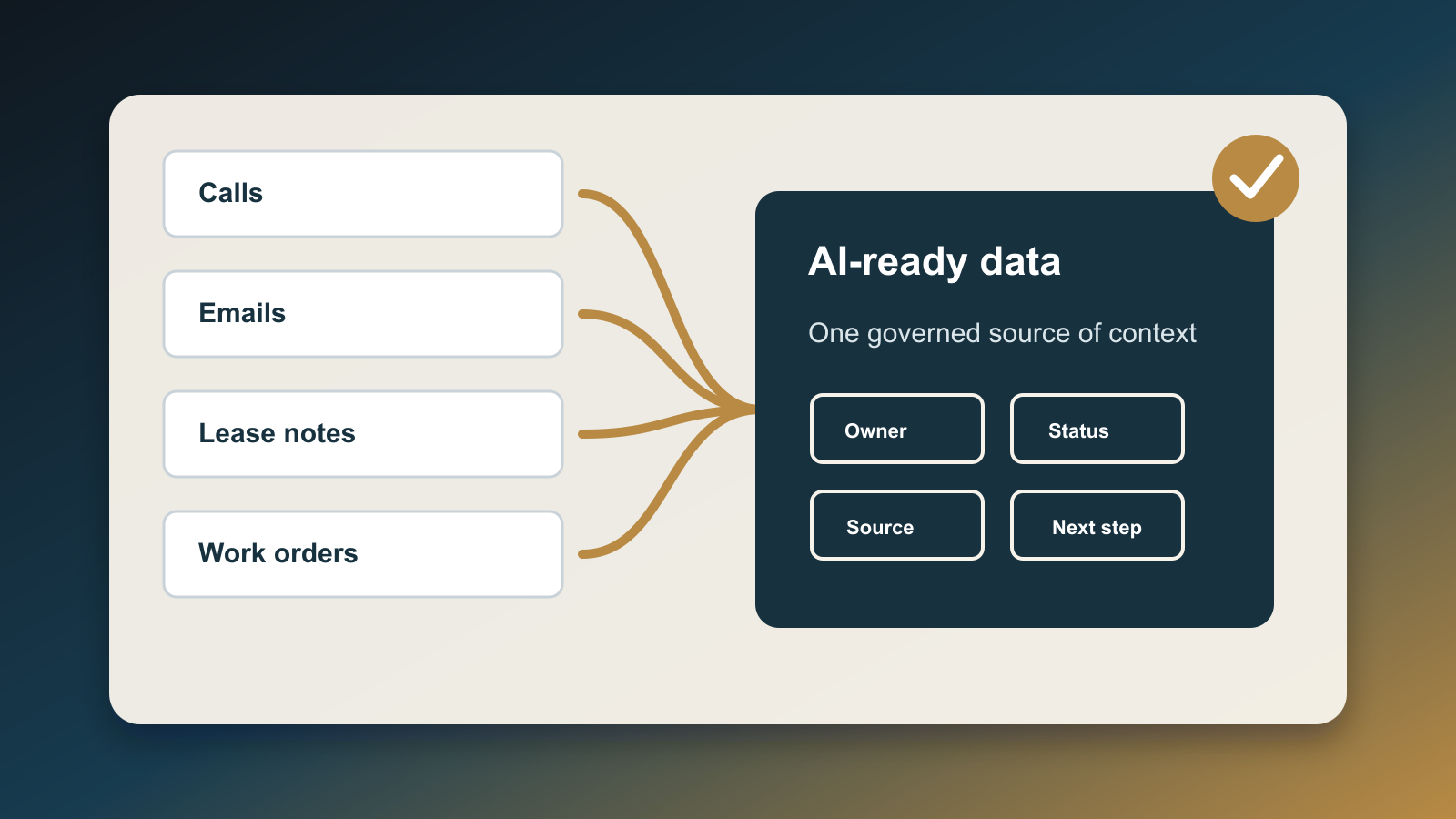
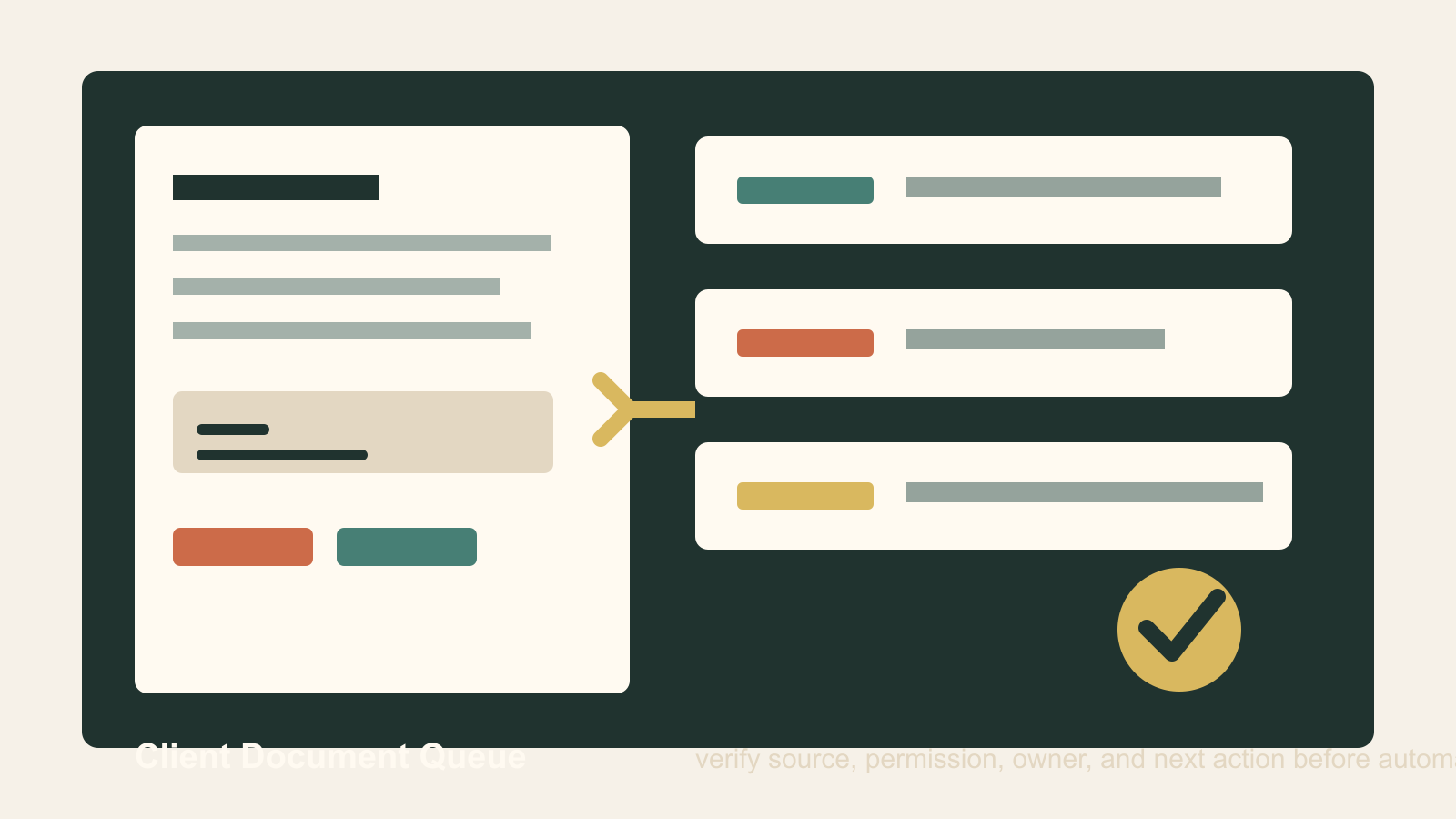
The fix is a client document queue: a lightweight operating layer that sits between scattered transaction files and any AI follow-up.
Why this needs a queue
Document workflows are different from general follow-up because they touch identity, finances, signatures, contracts, disclosures, and closing timelines. The data is sensitive, the stakes are high, and the context changes fast.
The Consumer Financial Protection Bureau's Loan Estimate guidance is a useful reminder. To receive a Loan Estimate, a borrower provides six pieces of information, and the CFPB says a lender or mortgage broker cannot require documents like a W-2 or pay stub as a condition for giving that Loan Estimate. More documentation may be useful later, but timing and purpose matter.
That distinction is exactly where real estate teams get into trouble with automation. A note that says "need income docs eventually" is not the same as "send a client request today." A lender status update is not always a client-facing instruction. A coordinator's internal checklist item is not always a client obligation. A missing attachment may mean the file is blocked, but it may also mean the wrong system was checked.
AI tools collapse those differences unless the workflow forces them to stay visible.
The broader environment makes the control more important. NAR's 2025 Technology Survey found eSignature remains the most widely used technology among surveyed agents, and 46% reported using AI-generated content. RPR's February 2026 survey of NAR members found 92% are already using AI or planning to use it, while accuracy of outputs was the top concern at 63%. Real estate teams are not waiting for a perfect governance model before using AI. They are already using it inside document-heavy work.
At the same time, fraud and impersonation pressure is rising. The FBI's 2025 IC3 report recorded more than one million internet crime complaints, nearly $21 billion in reported losses, and an AI-related descriptor showing nearly $893 million in losses. A document workflow that accepts or requests attachments without provenance and owner review is now an operational risk, not just an administrative nuisance.
What the queue should capture
Do not start with a giant document-management project. Start with the fields needed to decide whether AI is allowed to chase, summarize, or escalate a missing file.
Every queue item should capture:
- Client or transaction record.
- Document name in plain English.
- Workflow stage: intake, financing, offer, inspection, appraisal, title, closing, post-close, or archive.
- Source of the request: lender, title, attorney, broker, MLS, coordinator, client, inspector, insurance, vendor, or internal checklist.
- Source evidence: email, portal task, signed agreement, disclosure requirement, lender condition, or manager note.
- Sensitivity level: low, contract, financial, identity, payment, medical, legal, or other restricted data.
- Required recipient and allowed channel.
- Deadline and consequence if missed.
- Human owner.
- AI permission: summarize only, draft only, send after approval, or no AI.
- Client-facing wording approved or rejected.
- Completion proof and timestamp.
That sounds like overhead, but it replaces worse overhead: duplicate reminders, confused clients, insecure attachments, stalled closings, and managers trying to reconstruct why a client was asked for something after the fact.
The key field is source evidence. AI should not chase a missing file because "the CRM says so." It should chase only when a human-readable source proves the request is current, legitimate, and ready for the client.
Separate missing from blocked
Most teams use one checklist state for every problem: missing.
That is too blunt for automation. A document can be missing from the CRM but already received by the lender. It can be missing from the transaction folder but not yet due. It can be blocked because the client needs an explanation. It can be blocked because the source is suspicious. It can be blocked because the team does not know whether the document should be requested at all.
Use more specific states:
- Needed: valid request, known owner, safe to ask.
- Waiting: already requested and still within the expected response window.
- Received: document exists but needs review.
- Rejected: wrong document, blurry scan, expired version, missing signature, or mismatched name.
- Clarify: source, requirement, or channel is uncertain.
- Hold: do not request until a human approves.
- Escalate: deadline, fraud concern, client confusion, or contract risk requires manager attention.
AI can work inside these states without pretending they are all the same. It can draft a reminder for Needed. It can suppress duplicate messages for Waiting. It can summarize what changed for Received. It can explain the rejection reason for Rejected. It can prepare a human review packet for Clarify, Hold, and Escalate.
Put privacy rules next to the request
The FTC's privacy and security guidance is plain: companies should be clear about consumer data practices, collect only what they need, keep sensitive information safe, and dispose of it securely when appropriate. That is not an abstract compliance idea for real estate teams. A document queue is where those principles become daily behavior.
For each document type, define what the team is allowed to ask for, where the client may upload it, who can see it, how long it should stay available, and whether AI tools may process the content. Do not let an assistant paste sensitive document details into email if the approved channel is a secure portal. Do not let it summarize a bank statement into a general CRM note. Do not let it infer identity, marital status, immigration status, income, or intent from a document unless the workflow explicitly allows that use.
NIST's Generative AI Profile for the AI Risk Management Framework is useful here because it treats generative AI as a lifecycle risk-management problem, not a prompt-writing problem. For a small business, that translates into a simple rule: if AI can see or act on sensitive documents, the team needs documented purpose, access limits, testing, review, and incident paths before the workflow scales.
Where AI can safely help
The goal is not to ban AI from document operations. The goal is to give it a bounded job.
Good AI tasks include:
- Convert a lender or title email into a draft queue item.
- Compare a requested document name against approved checklist labels.
- Summarize why a file is blocked for the internal owner.
- Draft a client reminder from approved language.
- Detect duplicate requests before another message is sent.
- Build a daily exception report for the team lead.
- Flag suspicious changes in payment instructions, sender domain, identity documents, or urgency.
- Prepare a call script for a coordinator when the item should not be handled by email.
Bad AI tasks include:
- Deciding on its own that a sensitive document is required.
- Sending a request without source evidence.
- Choosing an insecure channel because it is faster.
- Turning internal checklist language into client-facing legal or financial advice.
- Summarizing full document contents into general CRM history.
- Treating a fraud warning as a normal missing-file reminder.
That boundary gives the team speed without surrendering judgment.
The first version can be simple
Build the first queue in the system your team already uses. A CRM custom object, Airtable base, spreadsheet, task board, or transaction-management field set is enough if it captures the decision points.
Start with five document categories:
- Identity and authorization.
- Financing and income.
- Contract and addenda.
- Inspection, repair, and vendor proof.
- Closing, title, and payment-adjacent instructions.
For each category, write approved request language, allowed channels, human owner, AI permission, and escalation trigger. Then connect AI only to the queue, not directly to every email inbox, document folder, or portal.
The operating test is simple. If a manager asks, "Why did we request this file from this person today?", the queue should answer in one screen. It should show the source, stage, sensitivity, owner, approved wording, channel, status, and proof of completion.
If the queue cannot answer that, AI is not ready to chase the document.
The business payoff
Client document work is never going away. What changes is whether the work is handled as a scattered follow-up burden or as a governed operations queue.
The queue makes clients less confused because requests are specific and timed correctly. It makes coordinators faster because they work exceptions instead of re-reading every file. It makes managers more confident because sensitive actions have owners and evidence. It makes AI useful because the assistant receives a narrow, approved job instead of a messy transaction folder and a vague instruction to "follow up."
That is the practical standard for AI in real estate operations: not more autonomy first, but better operating context first.
Before AI chases missing files, build the queue that proves which files are truly missing, who can ask for them, which channel is allowed, and when a human needs to step in.

Written by
Ben Laube
AI Implementation Strategist & Real Estate Tech Expert
Ben Laube helps real estate professionals and businesses harness the power of AI to scale operations, increase productivity, and build intelligent systems. With deep expertise in AI implementation, automation, and real estate technology, Ben delivers practical strategies that drive measurable results.
View full profile